
For schools and school groups in India
The PrepGraph School Programme
For every child, a voice tutor and a printed login card. For your teachers, the portal and a twenty-five-hour programme. For every parent, a Monday email. For your office, a GST invoice. Built for the whole school, or for a group of schools.
What is included
The tutor, the card, the portal, the programme
For every child
- A voice tutor that speaks and draws on a whiteboard — English, and Hinglish (Hindi with English technical terms); JEE, NEET and Class 3 to Class 12.
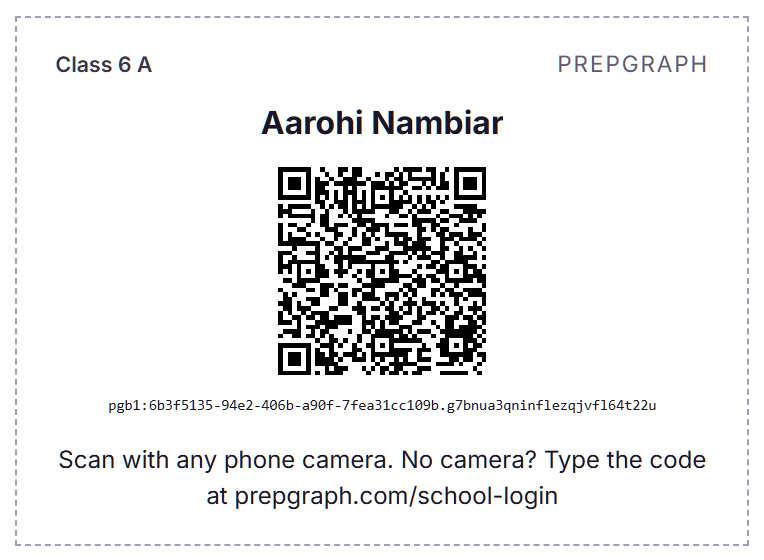
- A printed login card: a badge any phone scans and a short PIN the child types.
For your teachers
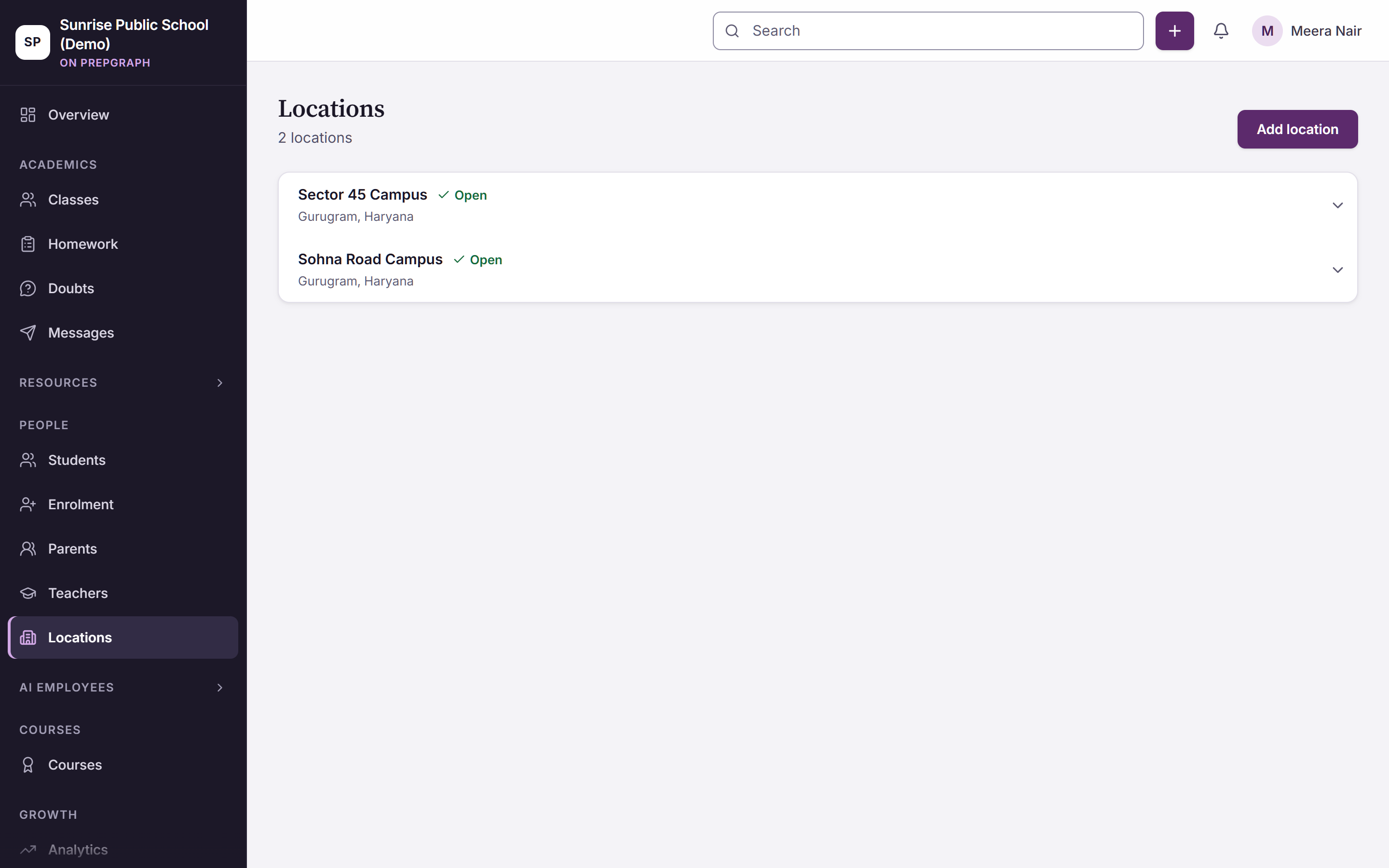
- The portal: class groups, class logs, assignments, auto-generated homework, the morning class card, question generation from a teacher’s own file, a doubts lane.
- PrepGraph Academy: twenty-five hours in ten modules, a practicum in the teacher’s own class and a capstone the school can read; a three-hour session for the leadership team.
For every parent
- One email every Monday, once your school switches it on: the time with the tutor, the topics worked on, the checks answered correctly, what was mastered, what needs more practice, and a note from the teacher when there is one.
- No app to install and no login for the parent.
For your office
- A GST invoice carrying our GSTIN.
- Invoicing to the trust.
- One order form on your purchase order.
- A group agreement covers every campus on the same per-student terms.
What it costs
Two public numbers. The rest in writing.
₹249
a month
What a parent pays for the same tutor on prepgraph.com — a seven-day trial, cancel anytime.
₹799
per student
A seat for one 90-day term: the voice tutor, a printed login card, the portal for the teachers and the Monday email. On your purchase order, or funded by a parent.
In writing
for the school
Terms for a whole school or a group of schools are quoted in writing after the walkthrough.
Two ways to start
One class group, or the leadership session
One class group, one term
Four to six weeks on one class group or one campus, founder-led, with activation and usage reported to you every week. A whole-school quote follows the review.
The leadership session, then the tutor
Three hours with the principal and the leadership team, then the tutor, the login cards and the portal for one campus; the teacher cohort is scheduled on the programme calendar.
For a school group
One agreement. Every campus.
One agreement covers every campus on the same per-student terms. Each campus goes live on a roster upload: cards minted from the portal, teacher cohorts scheduled on staff-development days, parents on email from the Monday after launch. The branches view is the one page the chairman opens.
The login
For a school, the login is a printed card
Each card carries a badge any phone scans and a short PIN the child types — no email, no password to reset, no account a child has to create. Cards are minted and printed from the portal for a whole class group at once. A child without a card uses the class code and picks their name. In the browser, on any device.
The six stages
- 1
Discovery
Your board and your class groups; the tutor’s scope set to what your teachers are teaching this term.
- 2
Class-group setup and roster upload
The roster loaded into the portal and organised into class groups.
- 3
Teacher onboarding
A walkthrough of the morning class card, class logs, assignments and homework.
- 4
Student launch with printed login cards
Cards minted and printed from the portal; each child scans in with any phone and types a short PIN.
- 5
Monitoring and intervention
Teachers work from the morning class card; parents get the Monday email; you see activation and usage every week.
- 6
Review and expansion
The next grade, the next campus or the whole school on the same terms.
For your teachers: PrepGraph Academy
A programme for the teacher who will use AI in a classroom next term
Twenty-five hours in ten modules, a practicum in the teacher’s own class and a capstone the school can read, designed around CBSE’s Computational Thinking & AI training theme for 2026-27 and its CPD guidelines. A three-hour session for the principal and the leadership team runs before the cohort. The 2026-27 CPD year closes on 31 March 2027; a twelve-week cohort that starts by December finishes inside it.
PrepGraph is a private company. Where this page names a government body, board, agency or scheme, it names a public document so that a reader can check it against the source. No such body has reviewed this page or PrepGraph’s products, and nothing here is a statement by, or on behalf of, any of them.
For parents
One email, every Monday
The time with the tutor, the topics worked on, the checks answered correctly, what was mastered, what needs more practice, and a note from the teacher when there is one. Once your school switches it on, it arrives every Monday. No app to install and no login for the parent.
Data
Where a child’s voice and text go
- Student speech and text go to approved AI endpoints in Azure India and to named speech providers, enforced by configuration.
- Tutoring is a live voice session; audio and transcripts are swept after 90 days, and retention terms for your school go in the agreement.
- Data is scoped to your institution.
- Consent and a grievance contact are in place under the DPDP framework; no advertising tag runs in a child’s session.
- Encrypted in transit and at rest.
Take the programme to your trust
The School Programme brochure, six pages: what every child gets, what the school runs, what the teachers get, what it costs and how it starts, and where a child’s voice and text go.
For every role
The portal, the leadership session, the Monday email
For teachers
The portal as it runs: the morning class card, class logs, assignments, homework, questions from your own file, the doubts lane.
Read moreFor school leaders
The leadership session, the branches view, the readiness report and how to buy.
Read moreFor parents
The Monday email: what it says, how it arrives, and how a child logs in.
Read moreSee it working on your own phone
A thirty-minute walkthrough: the tutor teaching in Hinglish, a login card scanned, the morning class card, the Monday email. Then terms in writing.
A person replies within one working day, by phone or WhatsApp.